For small businesses, professional product visuals are often essential for attracting customers and building trust. However, producing high-quality images traditionally requires photography equipment, designers, studios, and significant time investment. This can be difficult for small teams that need to update product pages, launch social media campaigns, or create advertising materials frequently.
AI image generation provides a more flexible way to produce visual content. Instead of organizing a new photoshoot for every campaign, businesses can use AI tools to explore different product presentations, marketing concepts, and branded images based on text descriptions and reference ideas.
Recraft on Pollo AI offers businesses access to Recraft’s AI-powered image generation capabilities through Pollo AI’s creative platform. It allows users to generate product visuals, promotional graphics, and design concepts while combining Recraft’s image creation features with Pollo AI’s broader AI content ecosystem. For small businesses that need more efficient ways to create visual assets, understanding how to prepare prompts, refine results, and apply generated images effectively can help improve their content workflow.
What Is Recraft on Pollo AI, and How Does It Work?
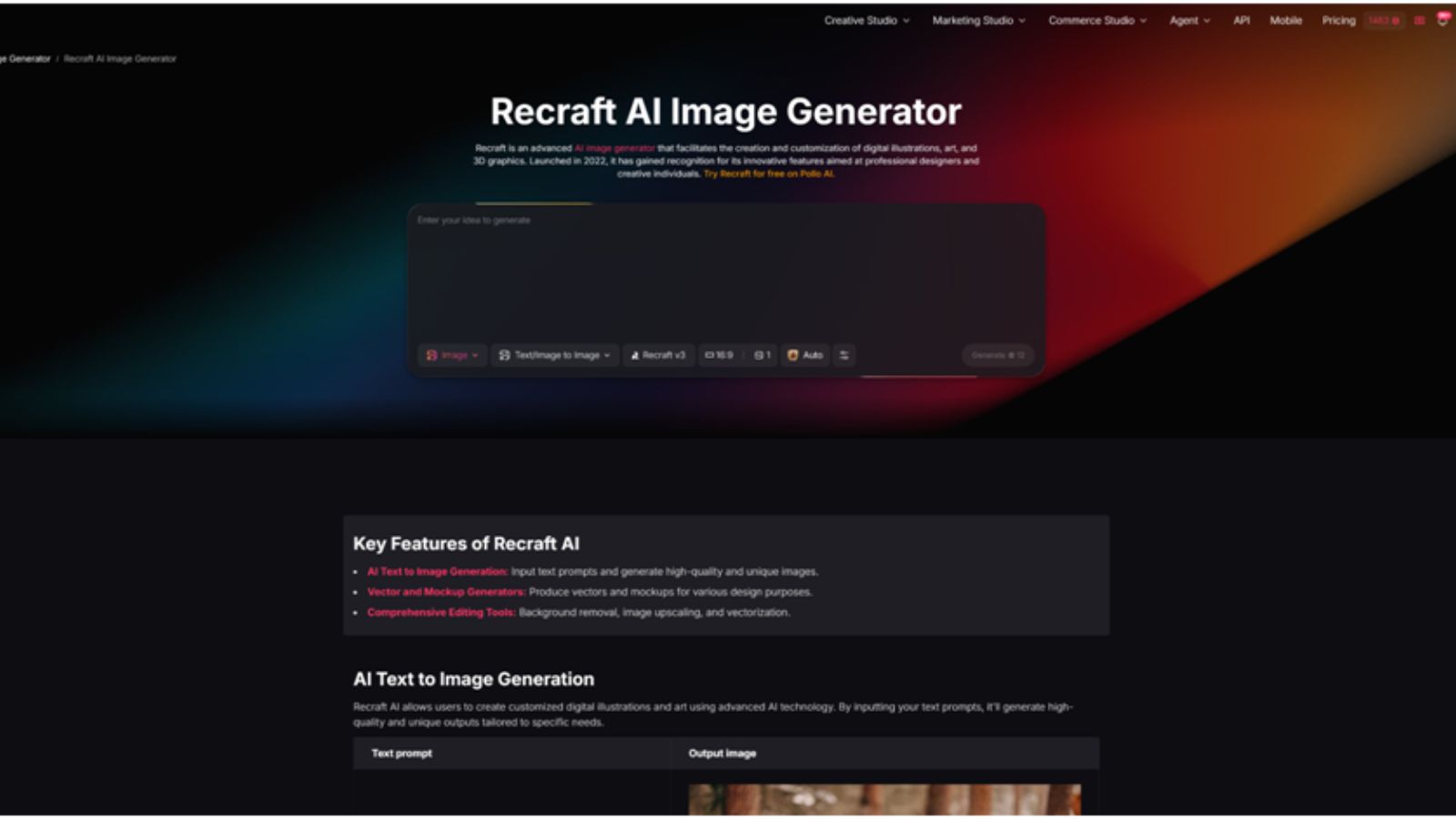
Recraft is an AI image generation model that helps users create visual assets from text descriptions, including product images, illustrations, and marketing graphics. It allows businesses to explore different creative styles without relying entirely on traditional design resources.
Recraft on Pollo AI brings these image-generation capabilities to Pollo AI’s creative platform, enabling users to create product visuals and promotional materials through a simple, prompt-based workflow. Users can describe the desired image, select Recraft as the model, and generate visual variations based on their instructions.
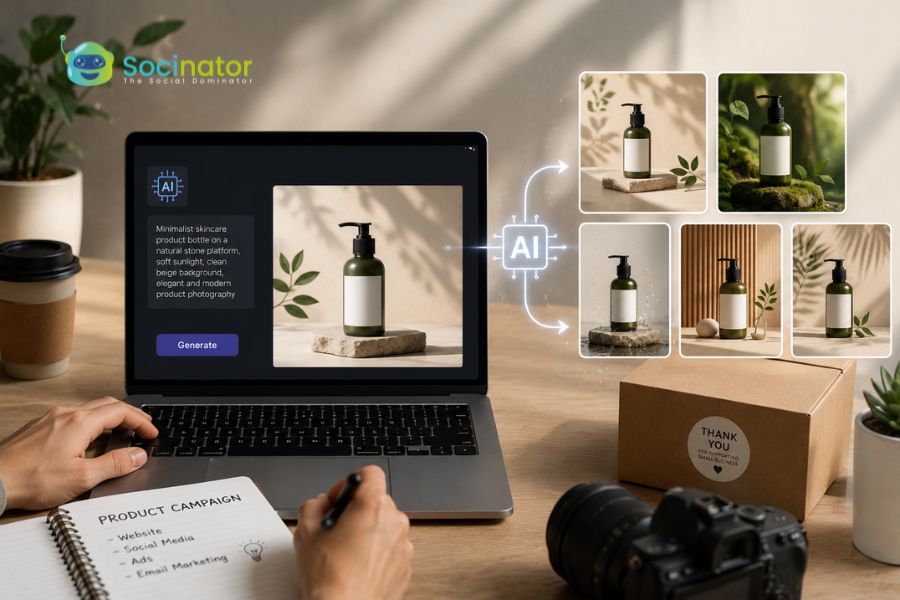
For example, an online skincare brand could create a prompt describing a luxury cream bottle on a marble surface with soft lighting and a clean beauty style. The generated results can then be reviewed and refined by adjusting the prompt to better match the brand’s visual direction.
For businesses, the quality of the output largely depends on how clearly they define the product details, target usage, and preferred style before generation.
How to Create Product Visuals with Recraft on Pollo AI
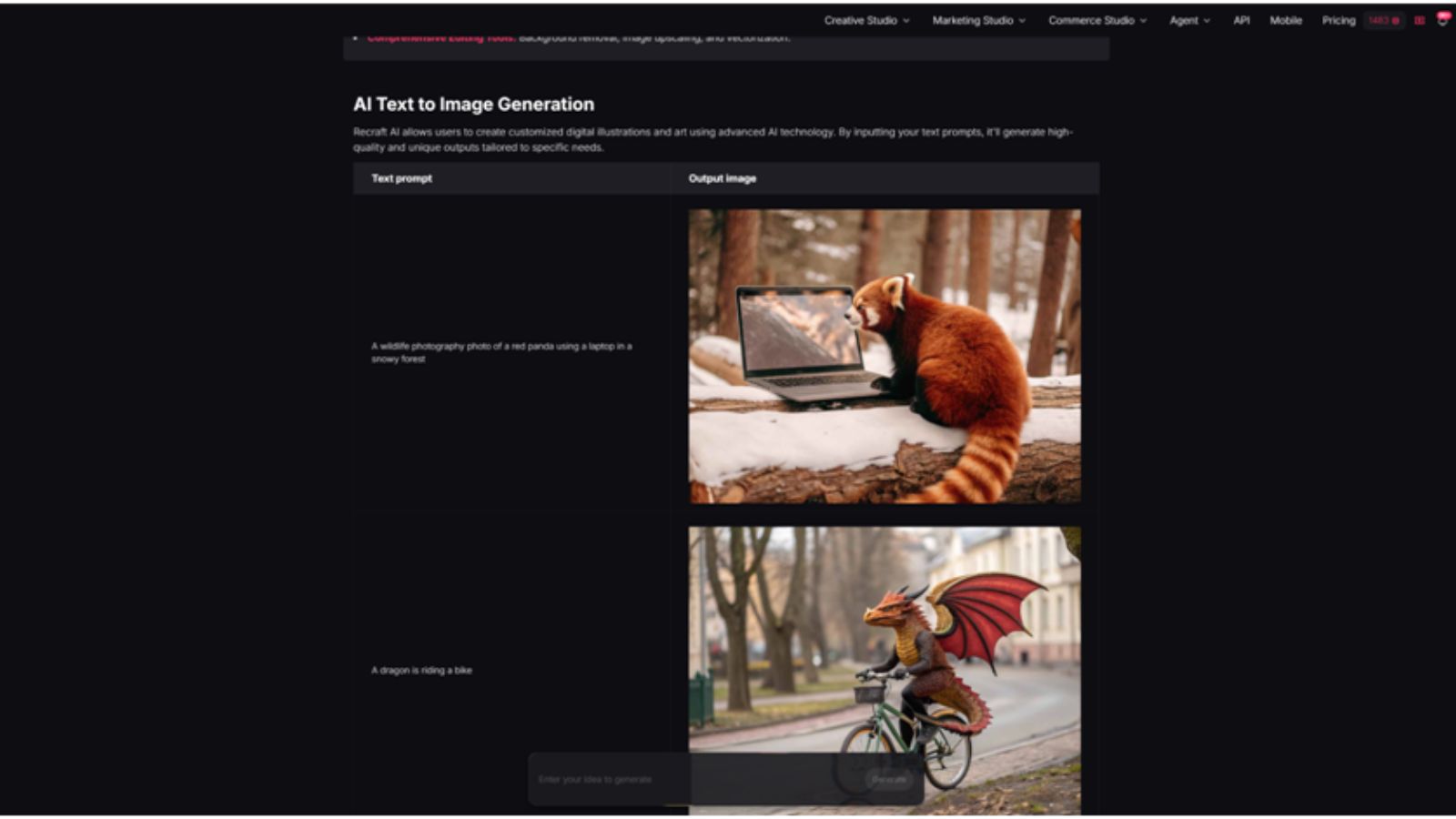
Creating product visuals with Recraft on Pollo AI usually involves more than generating an image from a simple text prompt. As part of the Pollo AI image generator workflow, Recraft allows small businesses to explore different product presentations, creative styles, and marketing concepts through AI-powered image creation. For better results, businesses need to prepare their product information first, then refine prompts and review generated images based on their actual marketing needs.
The workflow can be divided into several steps, from preparing materials to refining the final visual output.
1. Prepare Product Information and Define the Visual Goal
Before opening Recraft on Pollo AI, businesses should first decide what type of product visual they need. A product image for an online store, a social media post, and an advertising campaign often require different styles.
Users should prepare basic product details, including the product name, appearance, colors, materials, key features, and the purpose of the image. If the visual will be used for an existing brand, it is also helpful to define the preferred style, such as minimalist, luxury, playful, or lifestyle-focused.
For example, a small skincare company creating images for a product page may need a clean background that highlights the packaging, while the same company promoting a new launch on Instagram may prefer a more emotional lifestyle scene.
Having a clear goal before generation helps avoid creating visuals that look attractive but do not serve a specific business purpose.
2. Access Recraft on Pollo AI and Enter a Detailed Prompt
After preparing the requirements, users can open the image generation tool on Pollo AI, select Recraft as the model, and enter a prompt describing the desired visual.
A useful prompt should include the main product, scene, style, and atmosphere. Instead of writing a short instruction such as “create a perfume image,” a more detailed prompt can provide better guidance:
“Create a premium perfume product image with a glass bottle placed on a marble surface, soft studio lighting, an elegant background, and luxury beauty advertising style.”
The prompt can be adjusted depending on the intended use. For e-commerce images, users may focus on product clarity and clean composition. For marketing content, they can add more creative elements, such as lifestyle environments or seasonal themes.
3. Generate Images and Compare Different Versions
Once the prompt is submitted, Recraft on Pollo AI generates visual results based on the instructions. Instead of immediately selecting the first output, businesses should compare different versions to find the one that best matches their needs.
During this stage, users can evaluate whether the product remains the main focus, whether the image style fits the brand, and whether the composition works for the intended platform.
For example, an online clothing store may generate several versions of the same product with different backgrounds and models. One version may be suitable for a product page, while another may work better as a social media advertisement.
Creating multiple variations allows businesses to test different creative directions without investing additional production costs.
4. Adjust Prompts and Refine the Generated Results
If the first result does not fully meet expectations, users can refine the prompt instead of starting from scratch.
Small changes often improve the output significantly. If the product appears too small, users can add descriptions such as “close-up product focus” or “centered product composition.” If the background feels too complicated, they can request a “clean minimalist background” or “simple studio setting.”
Businesses can also adjust the style description to match their brand identity better. For instance, changing “modern product image” to “premium product advertisement for a luxury skincare brand” gives the AI clearer creative direction.
The refinement process is especially useful for businesses that need consistent visuals across multiple campaigns.
5. Review and Prepare Images for Marketing Use
Before publishing AI-generated visuals, businesses should manually review the final results. This step is important because generated images may sometimes contain inaccurate product details, unexpected design changes, or elements that do not match the brand.
Users should check whether the product appearance is correct, whether logos or packaging details are accurate, and whether the image meets the requirements of the target platform.
After approval, the visuals can be adapted for different marketing purposes, including product pages, social media campaigns, promotional banners, and advertising materials.
Using Recraft on Pollo AI as part of a structured creative process allows small businesses to produce more flexible product visuals while maintaining control over quality and brand presentation.
Read More!
Benefits Of Generative AI Tools For Small Businesses
Top 6 Custom AI Development Companies for Growing Businesses in 2026
Practical Use Cases for Small Businesses
Creating E-commerce Product Images
Small online retailers can use Recraft on Pollo AI to explore additional product presentation ideas without arranging multiple photography sessions. For example, a home decor business can generate lifestyle scenes showing products in different interior environments.
Producing Social Media Marketing Content
Social platforms require frequent visual updates. Small businesses can create promotional graphics, seasonal campaign visuals, and product announcement images more efficiently by generating different concepts with AI.
For example, a clothing brand can create campaign-style images for new collections, while a food business can generate promotional visuals for limited-time offers.
Testing Advertising Concepts
Before investing heavily in advertising campaigns, businesses can create different visual concepts and compare styles. This allows marketing teams to explore which types of images better represent their products and appeal to their target customers.
Developing Brand Visual Direction
New businesses often need to establish a consistent visual identity. AI-generated images can help entrepreneurs explore possible styles for packaging, promotional materials, and online branding before developing a complete design system.
Conclusion
Creating professional product visuals can be challenging for small businesses with limited budgets and resources. AI image generation tools provide a practical way to explore creative ideas, produce marketing materials, and improve visual content workflows.
Recraft on Pollo AI helps businesses generate product-related images through text-based instructions while allowing them to experiment with different styles and concepts. By preparing clear requirements, writing detailed prompts, reviewing generated results, and refining images carefully, small businesses can create more effective visuals for e-commerce, social media, and digital marketing activities.