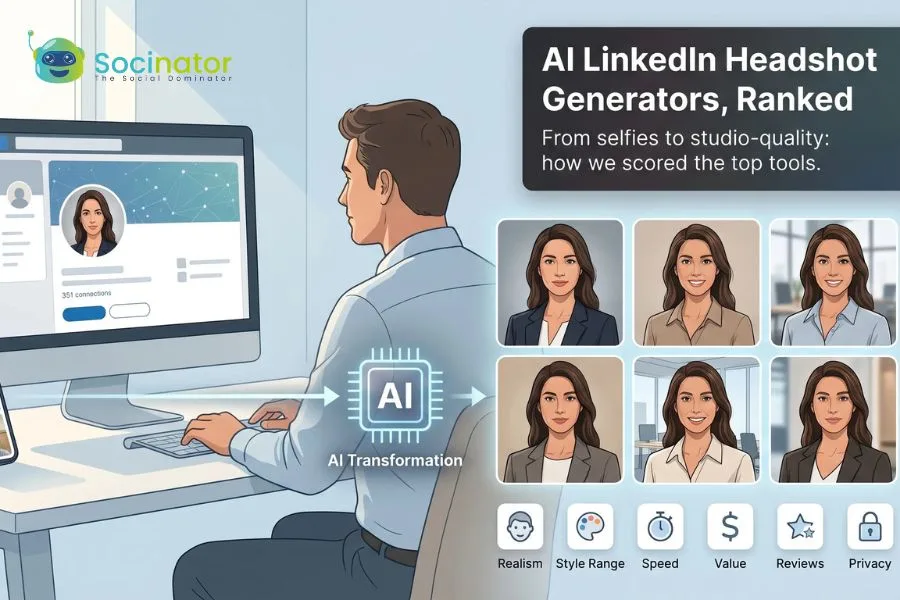
A sharp head-and-shoulders photo isn’t vanity on LinkedIn—it’s oxygen. Profiles with a professional picture pull in 21 times more views and nine times more connection requests than blank avatars.
Still, booking a photographer feels wildly 2019. Today you can upload a few selfies, sip coffee, and download studio-quality portraits before the mug cools.
We tested 24 services, scored them for realism, style range, speed, cost, and privacy, and surfaced the top 11 worth your upload. Along the way we’ll settle whether AI photos fly on LinkedIn, which tools protect your data, and where the smart money goes when you only need one killer shot. Stick around—you’ll know your winner in minutes.
How we ranked the 11 tools
Shopping for an AI headshot generator can feel like speed-dating: every site claims “studio-quality” portraits in minutes. We wanted an evidence-based way to separate real pros from glossy landing pages.
We started with 24 tools built for LinkedIn-ready photos and cut any service aimed at cartoon avatars or quick social filters.
Next, we built a six-point scorecard that mirrors what you and I care about when a recruiter zooms in on our profile photo:
- Photo realism and likeness retention
- Style range (outfits, backgrounds, crops)
- Turnaround speed and frictionless workflow
- Price versus the number of usable shots
- Verified user satisfaction (Trustpilot, G2, Reddit)
- Clear privacy promises
Realism carried the most weight. Reddit threads overflow with complaints about the “glossy AI look” that wipes away pores until faces feel waxy. If a tool failed to keep natural texture, lighting, and proportions, it slipped in the rankings regardless of speed or price.
Each service received the same 15 well-lit selfies. We timed delivery and scored the best 10 images it returned. Side-by-side checks made flaws clear: blurry eyeglasses here, uneven ear edges there. We backed up our notes with hundreds of public reviews to confirm our experience matched the crowd.
Finally, we averaged the weighted scores and let the math decide the order. When Magic Studio (formerly known as InstaHeadshots) lands first, it is because it earned the highest composite score, not marketing hype.
1. Magic Studio: best overall for LinkedIn-ready headshots
LinkedIn data shows a standout profile photo can attract 21 times more views, so Magic Studio laser-focuses on delivering studio-quality LinkedIn headshots in about 15 minutes.
Imagine sending a handful of selfies to an online studio, sipping coffee, and moments later browsing a polished photo set you are proud to post. That is the promise at Magic Studio.
The workflow is simple. Upload 10–20 well-lit snapshots, wait about 15 minutes, then scan 50 water-marked previews in a clean gallery. Like what you see? Pay once, download the originals, and share. Not impressed? Close the tab and owe nothing. That pay-after-preview policy removes risk.
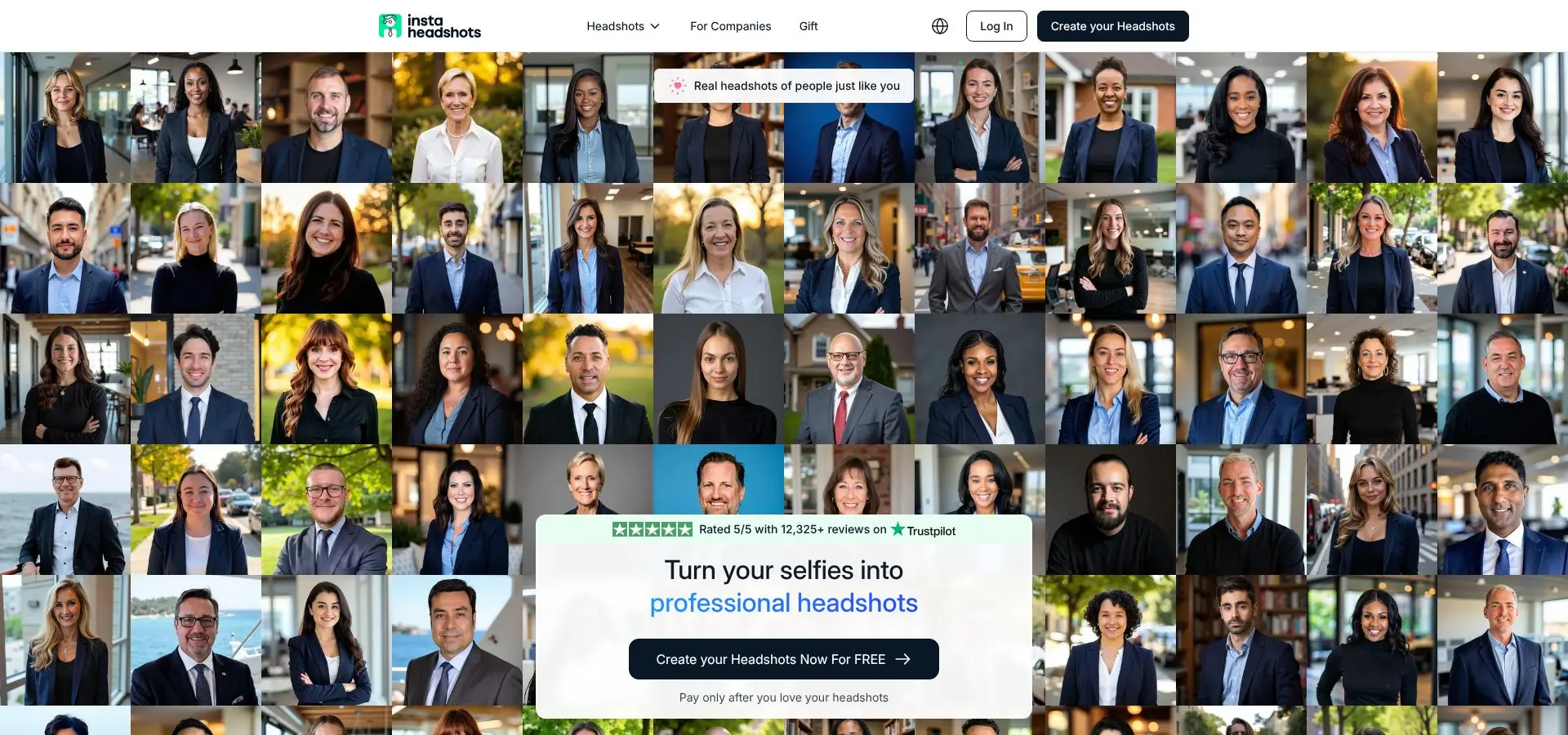
Magic Studio’s AI LinkedIn headshot gallery screenshot.
Quality seals the choice. In side-by-side tests, Magic Studio kept skin texture crisp, preserved freckles, and kept lighting natural across varied backgrounds. More than 12 000 customers rate the service a perfect 5.0 on Trustpilot—no other generator in our lineup matches that score.
Speed does not undercut security. The company deletes uploads and training data within 30 days, so your face does not sit on a random GPU farm.
With team bundles and a library of office-friendly styles, Magic Studio earns the top spot on our list. It is the quickest path from “I need a new profile photo” to “That looks like a studio shoot.”
2. BetterPic: sharpest detail, human-touch upgrade
If you zoom into every pixel of your LinkedIn photo, inspecting hair strands, jacket fabric, and the faint catch-light in your eyes, BetterPic is built for you.
The service pushes resolution to the limit, exporting 4K files that stay crisp on a billboard, let alone a 400-pixel profile circle. Studio lighting is balanced and flattering, yet it keeps pores and freckles intact instead of smoothing them into plastic.
Choice is generous without feeling like homework. Pick a couple of photographer-designed styles at checkout and the AI returns about forty headshots in under an hour. Can’t pick a keeper? The top tier lets a real retoucher polish the favorite, a safety net when you want zero flaws.
Pricing lands in the mid-premium bracket (think dinner for two, not a whole paycheck). For that spend you walk away with multiple publication-ready portraits, plus peace of mind that a human editor can tweak flyaways or color-grade the background to match your brand palette.
Bottom line: if image clarity and artisan finishing touches top your wish list, BetterPic is the sharpest option in the drawer.
3. Aragon AI: power features for teams and tinkerers
Aragon feels less like a single tool and more like a full photo studio inside a web dashboard.
Start by choosing wardrobe and background presets, such as a navy blazer on a soft gray backdrop or startup casual against warm brick. About 30 minutes later, a gallery of up to 100 portraits arrives in your account, each crisp enough for a press kit.
The fun begins after generation. Built-in sliders let you swap backgrounds, try alternate outfits, erase stray hairs, or brighten the eyes. It is the only platform in this roundup that bakes a mini Photoshop into the results page, so you refine shots without exporting to another app.
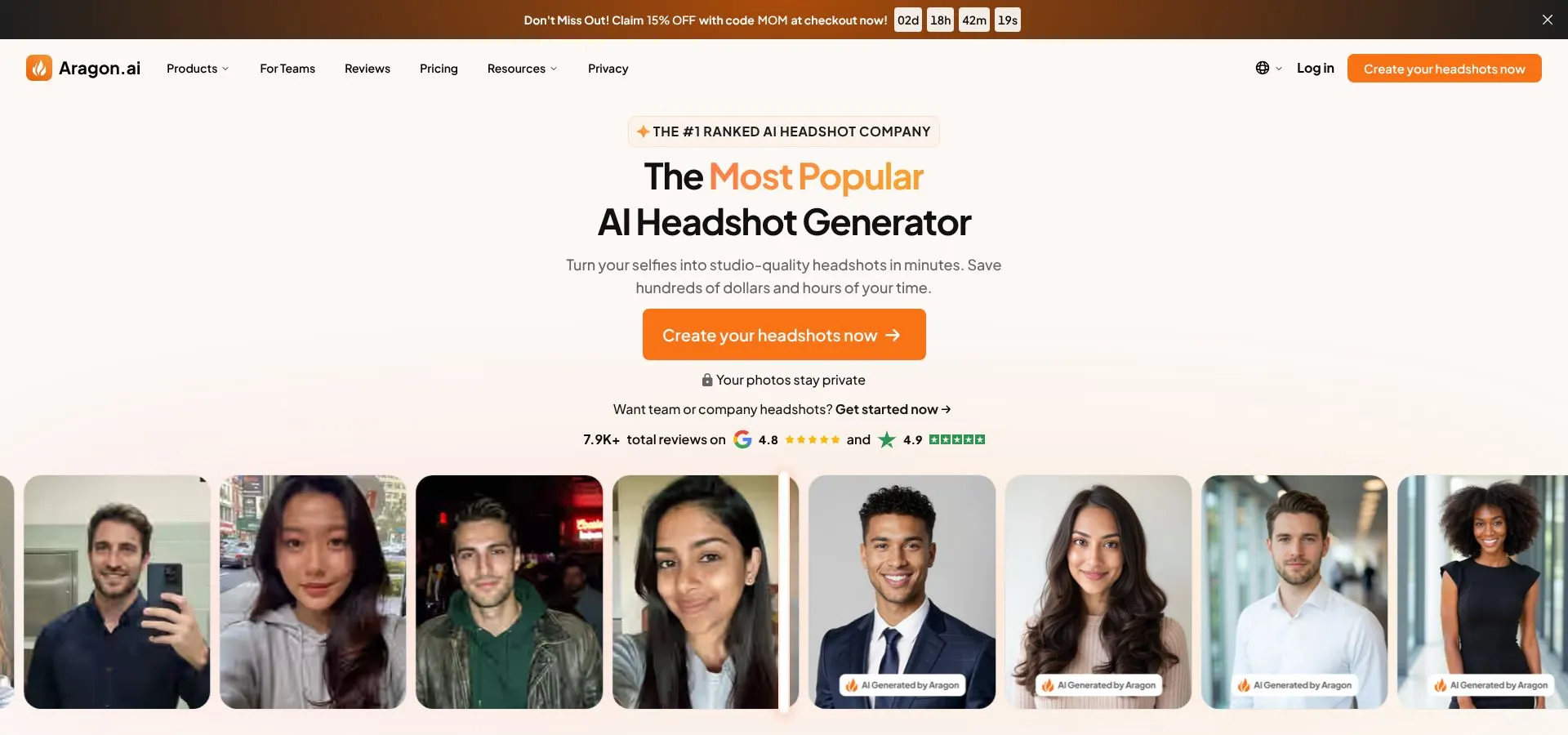 Aragon AI headshot editor dashboard screenshot.
Aragon also scales for companies. HR teams can invite new hires, lock a brand style, and generate matching photos at onboarding speed. An API can even send finished headshots straight to your website directory.
Pricing sits just above mid-range, but the mix of granular control and bulk output justifies the premium. If you enjoy tweaking every pixel or need a consistent look across dozens of employees, Aragon’s all-in-one studio is worth the extra coffee dollars.
4. HeadshotPro: easiest path to uniform team photos
HeadshotPro keeps things simple. Upload a batch of selfies, pick a professional backdrop, and let the engine work. About two hours later you receive forty polished portraits that look like they were shot in one studio, even if your team spans three time zones.
Consistency is the main draw. The algorithm locks framing, lighting, and background color, so your About page stops looking like a yearbook collage. Office managers praise the smooth workflow: send each employee a link, watch uploads roll in, then download a matching set before lunch.
 HeadshotPro uniform team headshots screenshot.
Quality sits in the “looks real, not plastic” zone. Faces stay sharp, skin tones remain honest, and a hint of depth of field mimics DSLR glass. You will not find advanced in-app editors, but most users do not miss them because the base results are LinkedIn-ready out of the box.
Pricing starts at about the cost of a takeout meal per person and drops with seat bundles, making it one of the most budget-friendly ways to refresh an entire staff directory.
5. Try It On AI: quick turnaround, wallet-friendly
Need a fresh headshot by the end of lunch and prefer to skip account setup? Try It On is the speed option in this lineup.
Upload 10–15 selfies, pay about 17 dollars, and roughly 90 minutes later an email arrives with a private gallery link. No usernames, no forgotten passwords—just click, browse, and download before the afternoon meeting.
Variety is the appeal. One session delivers about 100 shots covering studio formal, outdoor casual, and warm-tone lifestyle looks. That spread makes it easy to find at least a few keepers whether you are polishing LinkedIn or updating a portfolio site.
Image quality sits a notch below the top tier. Zoom far enough and you may spot softer contrast or edges, yet the photos still look genuine, not plastic. For most professionals the difference is academic, especially at one-third the cost of high-end tools.
Note the trade-off: without an account dashboard your gallery link is critical. Bookmark it or download everything right away, because retrieving files later requires a support ticket.
For anyone seeking fast, decent, and inexpensive, Try It On AI is the pragmatic pick that lands in your inbox before the espresso cools.
6. AI SuitUp: board-room polish in under an hour
AI SuitUp focuses on one promise: place you in a perfectly tailored suit that looks like a big-budget corporate shoot.
Upload a dozen casual photos and, about sixty minutes later, you will browse more than 100 portraits worthy of a Fortune 500 annual report. Skin texture stays intact, lapels sit naturally, and the lighting feels like a nearby soft box.
The platform leans into formal style, so you will not see beach backdrops or bold color gels. That narrow lane works for finance, law, and any field where a jacket and confident half-smile still rule.
Price hovers around thirty dollars, reasonable for the volume of high-resolution files. Note: AI SuitUp’s Trustpilot page was briefly flagged for aggressive review requests; quality remains strong, but transparency took a hit. If spotless reputation scores guide your choice, consider that before buying.
For professionals who need “executive presence” without booking a real studio, AI SuitUp transforms everyday selfies into C-suite headshots fast and with convincing realism.
7. MagicPhotos AI: lightning fast and budget smart
MagicPhotos treats speed as a feature, not a footnote. Buy the “Fire” package, brew a cup of coffee, and by the time the mug is empty 200 headshots across ten styles are ready to download.
That turnaround topped our tests. The engine likely relies on an ultra-efficient diffusion model running on a large GPU fleet. Whatever the tech, you get instant gratification for less than seventy dollars.
Quality holds up better than expected. Highlights sit a bit bright and some backgrounds lack the depth of pricier rivals, yet faces stay recognisable. With two hundred shots to sort through, finding ten solid keepers is easy.
The service also offers a no-questions refund. If none of the images land, support simply reverses the charge. That policy removes the usual gamble of lower-cost tools.
MagicPhotos AI shines when deadlines loom and budgets shrink. You trade a touch of finesse for sheer volume and speed, a swap many professionals will gladly take.
8. GoStudio AI: subscription style headshots on tap
Most generators treat a headshot as a one-off purchase. GoStudio flips that model by selling ongoing access—think Spotify for portraits.
Sign up for a low monthly fee and receive a fresh credit pack each billing cycle. Drop in a recent selfie, pick from the newest style set, and seconds later a handful of updated portraits land in your dashboard. The workflow encourages you to keep profiles current as your hairstyle, glasses, or brand palette changes.
Quality sits solidly mid-table: realistic skin, balanced lighting, and backgrounds that fit LinkedIn, Slack, and conference badges. The built-in Canvas editor adds value. You can place a headshot inside a banner, adjust color grading, or add text without exporting to another app.
Who benefits? Creators, coaches, and anyone who refreshes personal branding more than twice a year. Over twelve months the per-photo cost beats repeat purchases elsewhere, and the ease of “credits in the bank” eliminates last-minute scrambling.
If you view your online image as living content rather than a set-and-forget asset, GoStudio’s subscription studio keeps the pixels moving with minimal effort.
9. StudioShot AI: slow cooked studio quality
StudioShot follows the “good things come to those who wait” mantra. Turnaround takes a day or two, yet the results feel as if a photographer spent hours perfecting light ratios and taming fly-away hairs.
Curation is the secret. Rather than flooding you with 200 raw files, StudioShot delivers about fifty carefully filtered portraits. Each image nails eye level, flattering head tilt, and the gentle falloff common in magazine editorials.
That hand-picked touch saves time. Open the gallery, choose the version that fits your brand, and move on. For busy executives, skipping a scroll marathon is worth the short wait.
Pricing aligns with other premium services at roughly thirty dollars for the base pack, but every image arrives print ready, so you avoid extra edits or reruns. If you need a headshot for a speaker brochure or a book jacket, the clarity and posing discipline pay off.
StudioShot suits perfectionists willing to trade instant gratification for publication-grade portraits that look convincingly “real camera.”
10. PFPMaker: free background fix in sixty seconds
Sometimes the only thing wrong with a photo is the kitchen clutter behind you. PFPMaker solves that issue for free and in record time.
Drag a selfie onto the site and, in less than a minute, the AI cuts you from the scene, drops in a clean backdrop, and boosts contrast so your face pops at thumbnail size. Choose a neutral gray, a soft gradient, or a blurred office setting, and LinkedIn looks more polished.
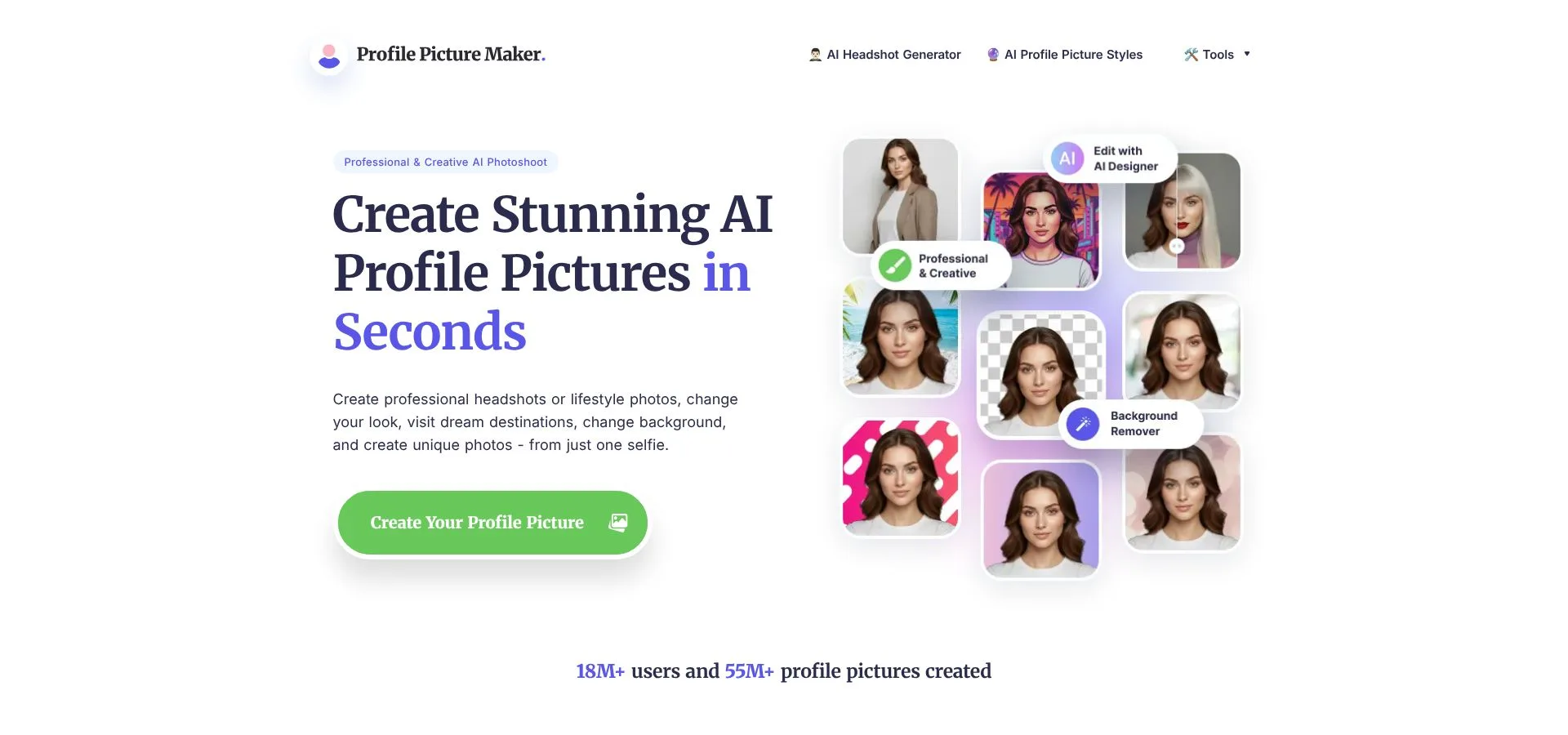 PFPMaker before-and-after LinkedIn background cleanup.
Because PFPMaker works with your original image, it will not create new angles, outfits, or hairstyles. Poor lighting or a forced smile still show. Yet when the base selfie is decent, the before-and-after change is striking.
Who benefits most? Anyone on a tight budget who has a passable selfie but needs it to read “professional” by Friday. Students, freelancers, and job seekers between gigs gain the most. Upload, download, and you are done—no account, no watermark, no upsell.
PFPMaker proves that some upgrades cost nothing but a minute.
11. Secta AI: power user playground with endless edits
Secta is the Swiss Army knife of this lineup. One purchase drops more than 300 headshots into your account and unlocks a control panel that feels closer to Lightroom than a typical AI tool.
See a nearly perfect shot but want a warmer smile? Move the expression slider and generate new variants until it feels right. Need a wider crop for a podcast banner? Use the Uncrop tool to extend the frame without losing realism. Background too bland? Swap in a softer gradient or an on-brand color, all within the app.
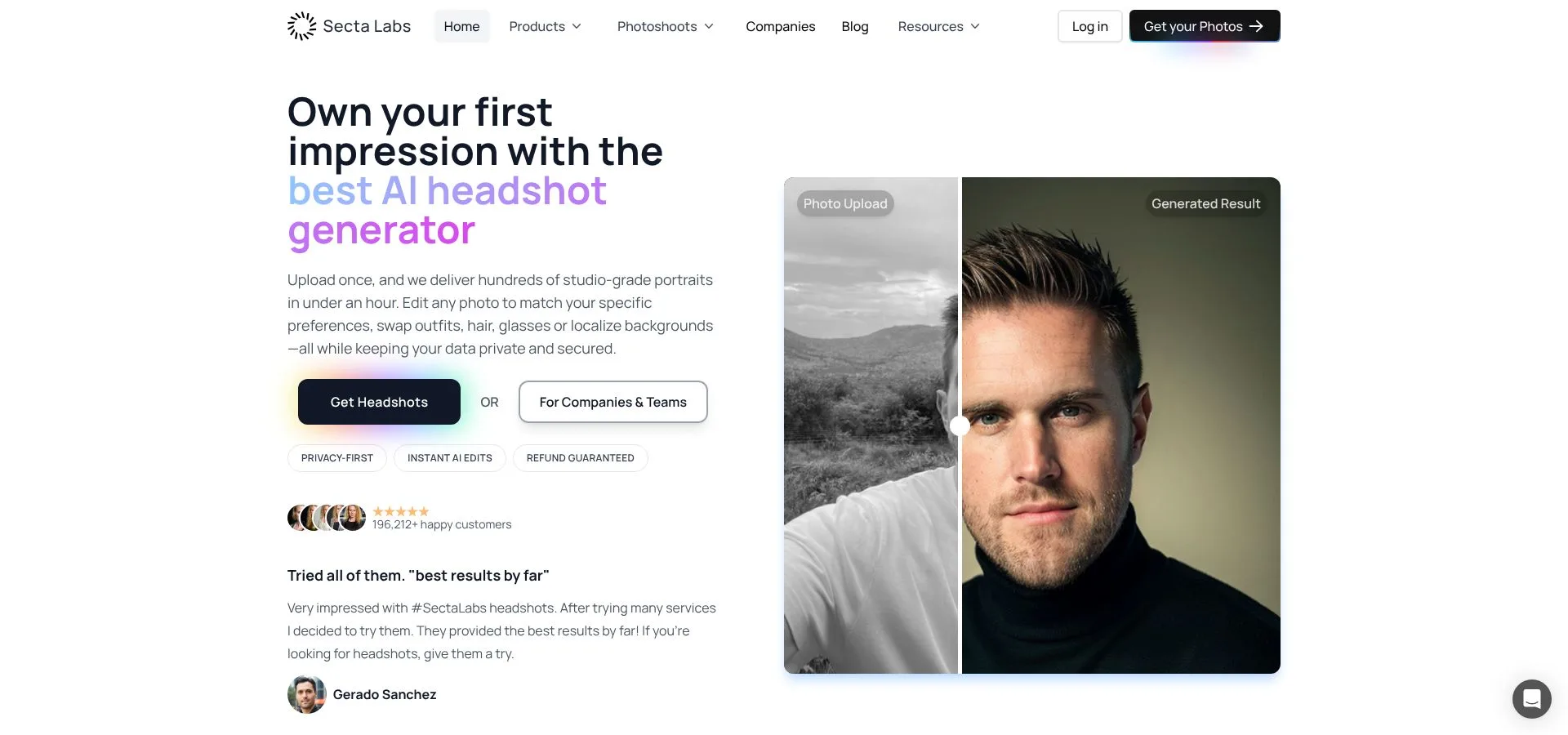 Secta AI advanced headshot editor interface screenshot.
That freedom carries a cost. The starter pack is one of the priciest on our list, and some advanced tweaks sit behind a small monthly fee. Reviews are split: tinkerers praise the creative latitude, while quick-fix users dislike the upsells and the time required to sift through so many images.
Quality can vary. Most photos look convincing out of the gate, yet a few reveal AI artifacts such as stray ear shadows or soft jacket seams. Plan on spending about 20 minutes curating and refining your final picks.
Choose Secta if you enjoy perfecting an image and want Photoshop-level control without opening Photoshop. Skip it if you need one great headshot tomorrow; the learning curve and extras may feel like overkill for casual users.
Side-by-side snapshot: which tool fits your needs?
We just toured eleven options, from lightning-fast freebies to patient, studio-style services. The grid below lines up price, speed, output volume, and one standout edge so you can spot your best match in seconds.
| Tool | Starting price | Turnaround | Outputs per session | Free preview / trial | Standout edge |
| Magic Studio | $49 (pay after preview) | ~15 min | ~50 | Yes | Highest realism, zero-risk model |
| BetterPic | $35 | ~1 hr | 40–120 | Refund window | 4K resolution, optional human retouch |
| Aragon AI | $35 | ~30 min | 20–100 | No | Built-in editor and team API |
| HeadshotPro | $29 | ~2 hrs | ~40 | No | Uniform results for whole teams |
| Try It On AI | $17 | ~90 min | ~100 | No | No-account workflow, wide style spread |
| AI SuitUp | $27 | ~1 hr | ~150 | No | Ultra-realistic corporate attire |
| MagicPhotos AI | $49 | 15–90 min | 40–200 | Money-back | Fastest bulk generation |
| GoStudio AI | $19 /mo | Seconds | Credits monthly | Yes | Subscription with fresh styles each month |
| StudioShot AI | $29 | 24–48 hrs | ~50 curated | No | Photographer-designed, print-ready poses |
| PFPMaker | Free | <1 min | 1 per upload | Yes | Instant background cleanup |
| Secta AI | $49 (+$5 /mo) | ~2 hrs | 300+ | No | Expression control, uncrop, endless remix |
Use the grid as a quick filter: circle the row that matches your budget and urgency, then jump back to the detailed section for nuance. Spend more time posing for your new photo than researching how to get it.
How to pick the right generator for you
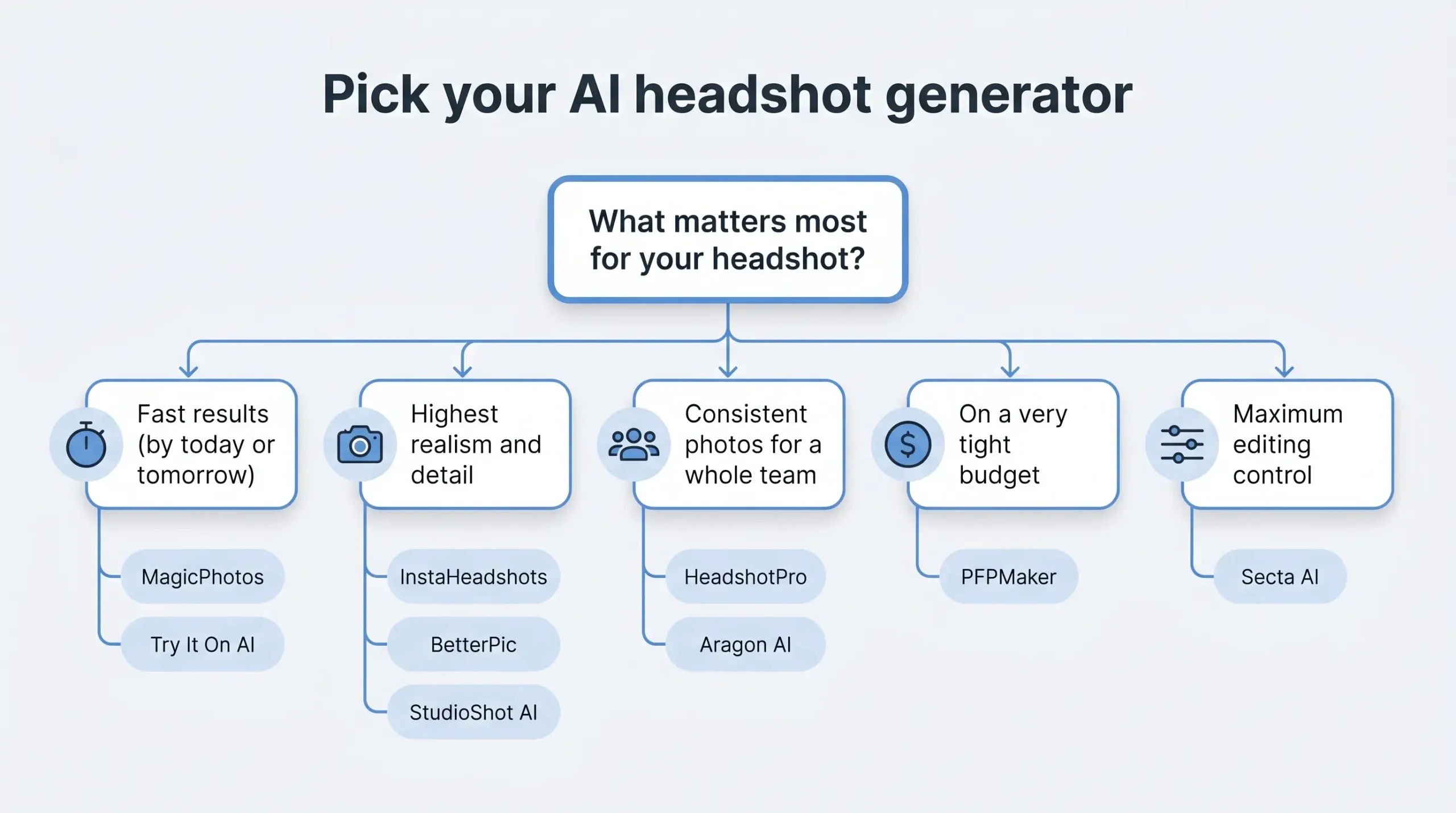 Begin with a gut check: do you need “good enough by totomorrow”r “flawless for the next five years”?
If speed tops the list, choose MagicPhotos or Try It On. Both deliver plenty of options in under two hours, and the results clear LinkedIn’s professionalism bar.
When pure realism matters more than the clock, pay a bit extra and wait a little longer. Magic Studio, BetterPic, and StudioShot keep skin texture, hair detail, and nuanced lighting that even photographers admire.
For team projects, HeadshotPro and Aragon lead on consistency. Their algorithms lock framing and color so a sales squad spread across continents still looks like one studio session.
Working with a tight budget? PFPMaker’s free background swap can turn a decent selfie into a clean profile photo in sixty seconds. Upgrade later when finances improve.
Finally, consider control. If you enjoy tweaking expressions, backgrounds, or crops, Secta’s remix tools excel. If editing feels like homework, pick a generator that nails the shot on the first pass and move on.
FAQ
Will LinkedIn remove an AI-generated profile photo?
No. LinkedIn’s rules target misrepresentation, meaning someone else’s face or a person who does not exist. A portrait generated from your own selfies that still looks like you does not cross that line. Keep the likeness honest and you have nothing to worry about.
How many selfies do I actually need to upload?
Ten to fifteen covers most tools on this list. Variety matters more than volume: different angles, lighting conditions, and outfits teach the model more than twenty near-identical shots from the same afternoon. PFPMaker is the exception, since it edits one existing photo rather than generating new ones.
Can recruiters tell the photo is AI?
At thumbnail size, almost never. Zoomed in, the usual tells are poreless skin, eyes brightened a shade too far, and soft edges around glasses or ears. Picking the frame that kept your natural texture solves most of this, which is exactly why the tools that resist over-smoothing rank highest here.
Do I own the images, and can I use them commercially?
On every paid tool listed, yes, including commercial use. The free options are where it pays to read the terms, because resolution caps and usage limits are how they stay free.
How often should I refresh my headshot?
Every two to three years, or sooner if your appearance has changed noticeably. If you rebrand more often than that, GoStudio’s subscription works out cheaper over twelve months than repeated one-off purchases.
Conclusion
Eleven tools, but the decision usually collapses into three questions: how soon do you need it, how closely will anyone look, and are you buying for one person or forty?
If the honest answer is “by this afternoon,” MagicPhotos and Try It On both clear LinkedIn’s bar for well under fifty dollars. If the photo has to survive a zoom-in for a speaker page or a book jacket, pay for Magic Studio, BetterPic, or StudioShot and accept the extra wait. If you are outfitting a team, HeadshotPro and Aragon lock framing and lighting so a distributed staff still reads as one studio session. And if the budget is genuinely zero, PFPMaker’s sixty-second background swap will carry a decent selfie until you can afford better.
Whatever you choose, set aside ten minutes to curate rather than grabbing the first result in the gallery. The gap between a convincing AI headshot and an obvious one is almost always the selection, not the generator. Match your situation to the right trade-offs, and any tool on our list can sharpen your professional image.